
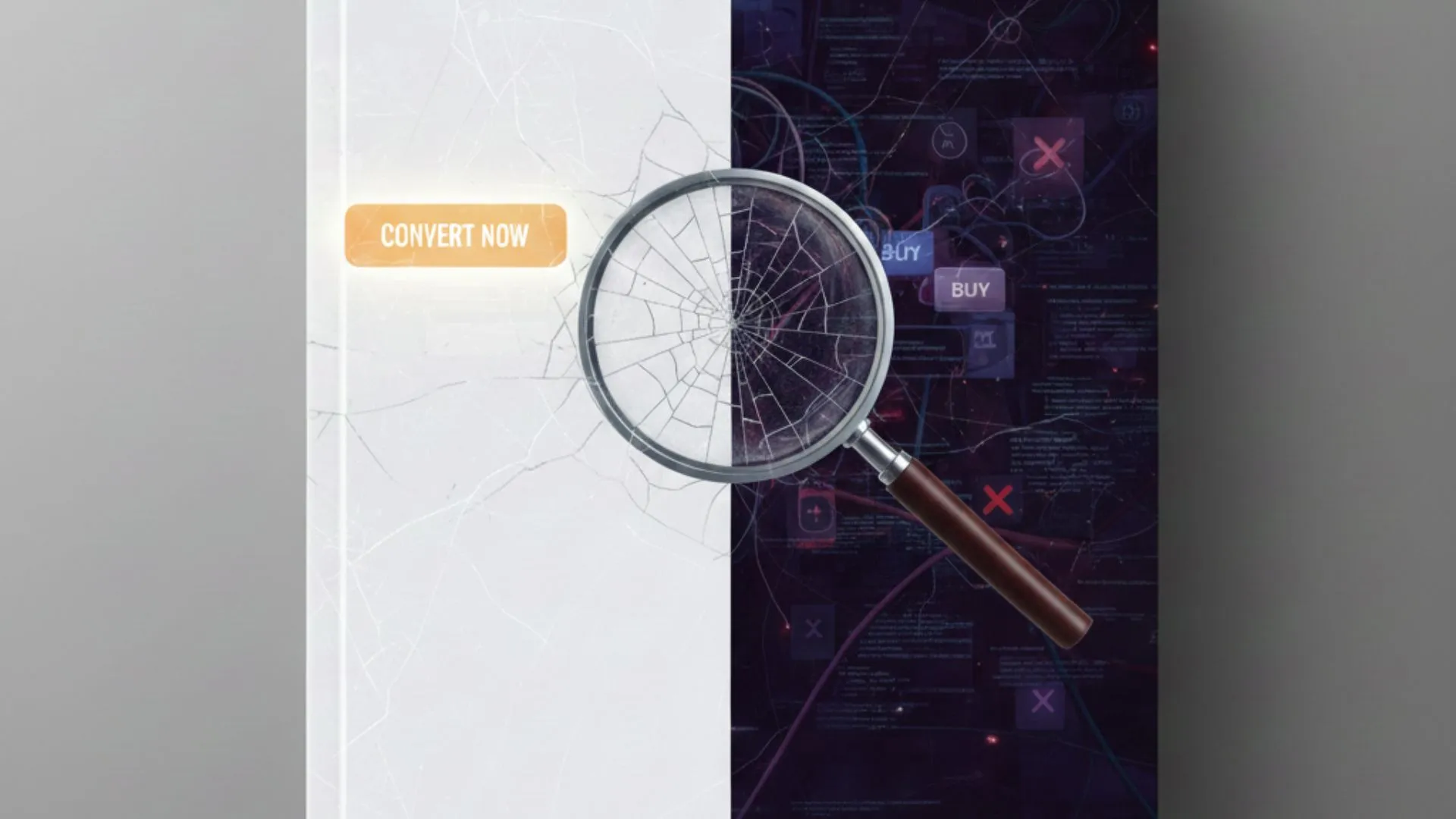
The Real Cost of a ‘Pretty’ Website
There’s a pattern here: a business will pay for a site that looks like a work of art and then ask why the sales are not increasing. The answer is that even the most expensive looking websites often incorporate the common web design flaws. It could be a navigation menu that is more confusing than helpful, or high quality photos that slow down the website’s load time. These obstacles are invisible to business owners, and are enough to frustrate potential customers and drive them away. In a competitive market, a Dubai web design company should be able to look beyond the surface level “wow” and ensure the website is easy to use and effective.
Web Design Friction Points
The design friction of a website can be described as small but critical frustrations that, as a whole, cause people to not follow through with a purchase. These poor UX design issues act as “fidget points” for the user.
A prime example is having a homepage with too many actions—too many buttons and multiple designs that do not synergize with a competing call to action. A sale is often lost simply because a user has to think too much about where to click. The more a user has to think about the design action, the more likely they will click the back button.
Employing a “Visual Hierarchy” approach is essential to solving these usability problems websites often face. The leading things a visitor sees should be your most important items; your value proposition and your booking button should be leading the charge. If they are obscured under common stock photographs or complicated animations, you are, in effect, concealing your business from your clientele.
Major Issues Impeding Your Conversions
| Issue | Consequences | An Effective Solution |
| Unclear CTA | Users become confused about the next step. | Provide clear call-to-action (like “Request Your Free Quote”). |
| Insufficient Contrast | Users are unable to see content in the sun. | Ensure a high contrast ratio between background and text. |
| Autoplay Media | Performance slows and users feel forced. | Let users play videos or media at their own discretion. |
| Concealed Search | Users have difficulty locating desired items. | Use an accessible and easily understandable search bar. |
Polishing the Interface: Rectifying UI Design Mistakes
When we get to the last layers of a site, we frequently encounter UI design errors that disrupt the user’s journey. Examples of these are small touch targets that are difficult to tap on a mobile, or ghost buttons that users do not see are actionable. These small design issues that harm your conversions are big problems. They show that there’s a disconnect between your brand and audience.
In the ideal scenario, the user’s goals should be achieved without even noticing the interface. This is ‘invisible’ interface design. By improving on these imperfections with the help of a web design agency Dubai, you allow users to navigate the digital space without frustration. By clearing the “maze,” your website becomes a tool that is fast, intuitive, and growth-orientated.